Building a Public Sector AI Tools Catalogue with Cursor
Standing on the shoulders of giants
I made a Public Sector Tools catalogue using Cursor.
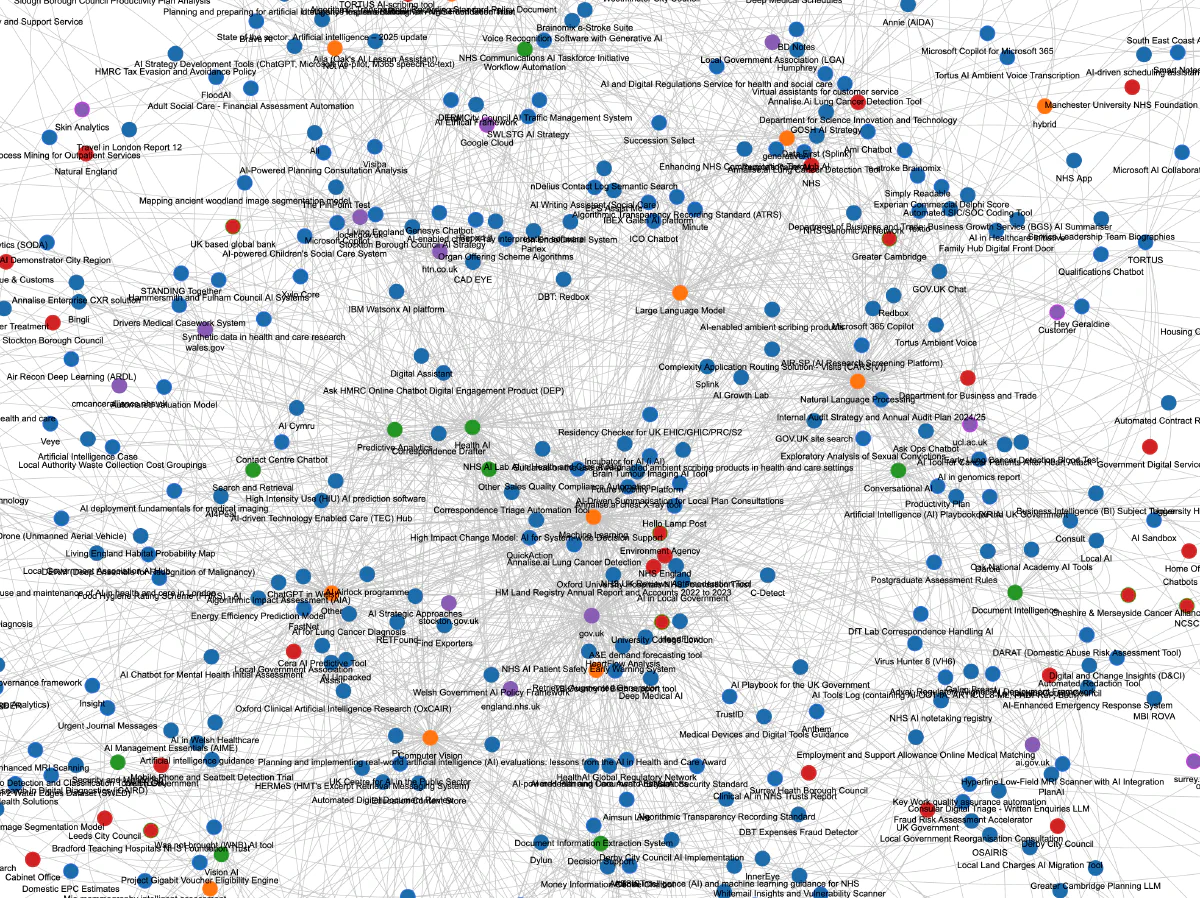
In my latest role with the UK’s Government Digital Service, we’re running a “horizon scanning” function to understand what AI-enabled tools teams are developing across the UK public sector.
Prior to my joining, the team built an AI-powered web-scraper using Python, with CrewAI running on AWS Bedrock. It periodically searches the web to produce an augmented, updated, and correct tools dataset and an HTMl front-end.
The front-end includes a visualisation using vis-network.js and html-to-image.js.
It looks like this.
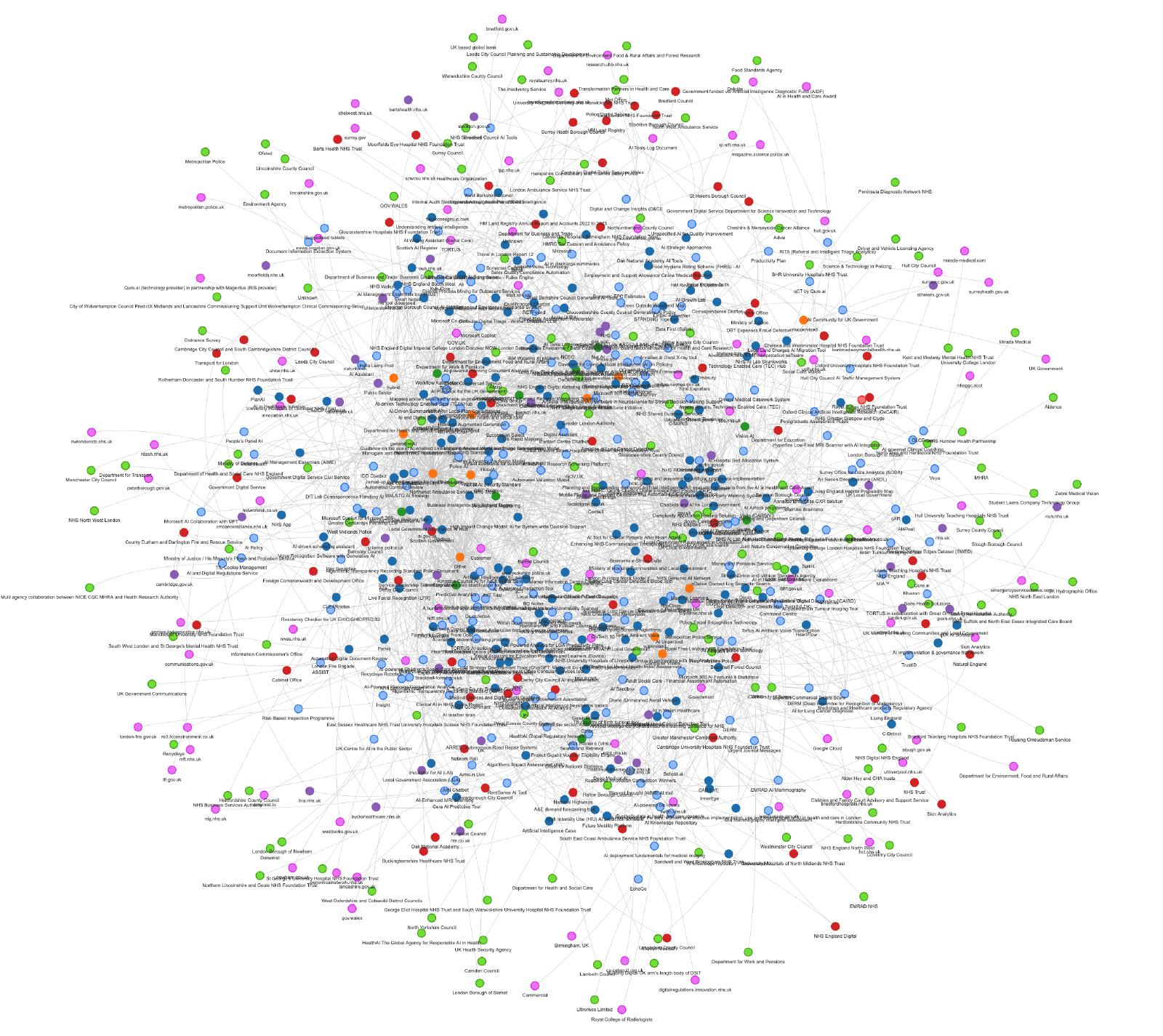
You can click individual nodes and see information about them. It’s fun and looks cool, but it’s not particularly accessible.
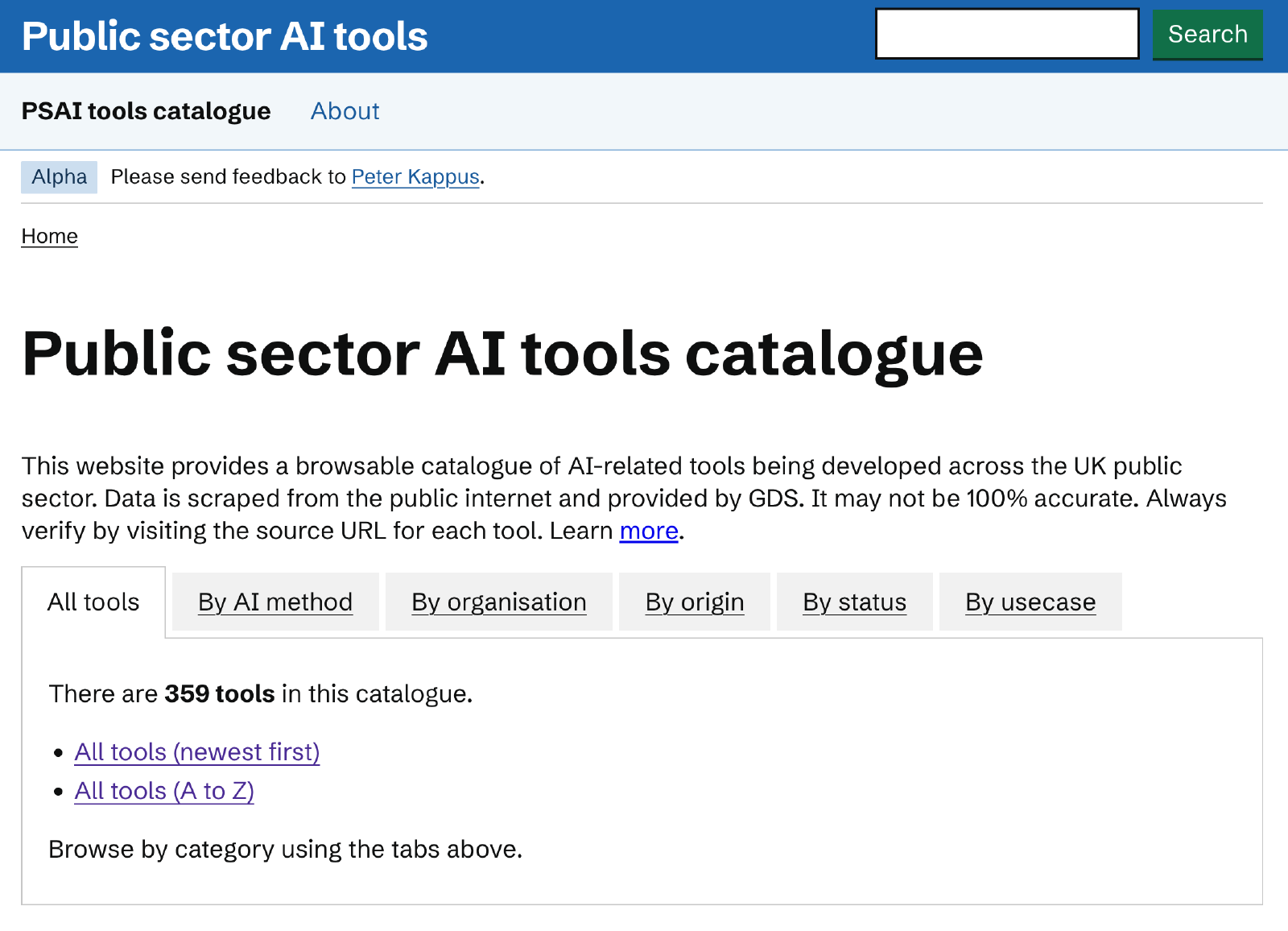
I wanted to see how easily I could build something simple to browse and more closely aligned to the GOV.UK look & feel.
A more accessible version
Using a CSV file downloaded from the GDS site, I opened an AI development tool and dictated a very messy prompt, the CSV header, and about 5 rows of data. I’ve kept the typos below as generative AI really doesn’t care and does a great job pulling out the salient points:
"[Use] Eleventy (11ty) to create a static site usign the GOV.UK design system and styles. The site should allow users to browse a catalogue of AI tools in use within the public sector. It should enable them to browse by organisation, or AI method with a single page for each row in a supplied CSV file. Here is a snippet of the file showing the headers and a few rows of data. What questions do you have?"
I was impressed by the questions it raised. It even gave me an easy out by telling me which questions were most important to answer. This enabled me to dictate another somewhat rambling stream of consciousness to answer as many questions as I could in a way that was “good enough” to create a first version.
I encountered a couple of dependency resolution errors and deprecation warnings, but with minimal back-and-forth, I had a working site. I then directed how I wanted the navigation and search to work, fixing a few small bugs along the way.
By default it included the standard GOV.UK header with the latest crown logo and the GDS Transport typeface.
Since I’m developing this tool independently and it won’t be hosted on GOV.UK I must not use the Transport typeface or the crown logo or even mention GOV.UK. I asked the tool to remove these elements which it did perfectly.
I told the coding agent that I wanted to host with AWS Amplify and it immediately made me a custom amplify.yml file and within minutes, I had a live site built from source every time I push to my remote github repo, hosted on a custom subdomain via a global content delivery network behind an HTTPS connection with a certificate that auto-renews without any intervention on my part.
For this project, I used Cursor’s built-in “Composer” model, which is much cheaper than big ones like Opus. I was amazed at how quickly this site came together and how readable the code was.
This was my first time using 11ty, and while I initially only understood about 60% of what the agent created, I was really impressed by its explanations of both broad design decisions and specific implementation details. Admittedly, I’ve worked on a lot of web based sites, services and tools so it wasn’t a very steep learning curve but I now feel comfortable making tweaks by hand. Knowing that I can always fall back on the AI coding tool is a huge help, of course.
Yes, I’m worried about the looming environmental, economic, and cognitive costs of becoming too reliant on ai coding tools like this, but it’s amazing being able to build something so quickly and easily and have the quality be so high.
Visit the site or browse the code and tell me what you think!
–
DISCLAIMER: While I’m using data from the UK Government Digital Service and currently working with them, the tool described in this post is made entirely by me and not endorsed by GDS or any government body.
About Peter Kappus

With more than 25 years of experience, I use OKRs, agile practices, and more to help teams maximise clarity, delivery, and joy.
Real OKR help
For over 10 years I've offered practical, fun, inclusive OKR training, coaching, and hands-on implementation based around real teams.



Keep in touch
Get my latest ideas and tools straight to your inbox.
Share
Do you know someone who would benefit from my work? Please share!